





How Wi-Fi Routers Work: A Complete Guide to Wireless Internet Technology
In today’s connected world, a Wi-Fi router is the heart of every home network. Whether you’re streaming movies, attending video calls, gaming online, or browsing social media, your wireless internet connection depends on how your router functions. But how does a Wi-Fi router actually work?
This guide explains everything in simple terms — from signals and bandwidth to router security and mesh systems.
What Is a Wi-Fi Router?
A Wi-Fi router is a networking device that connects your home to the internet and distributes that connection wirelessly to multiple devices. It acts as a traffic manager, directing data between your devices and your internet service provider (ISP).
Most modern routers follow wireless communication standards developed by the IEEE under the 802.11 protocol. These standards determine speed, frequency, and performance of your wireless network.
How a Wi-Fi Router Connects to the Internet
Here’s how the process works step by step:
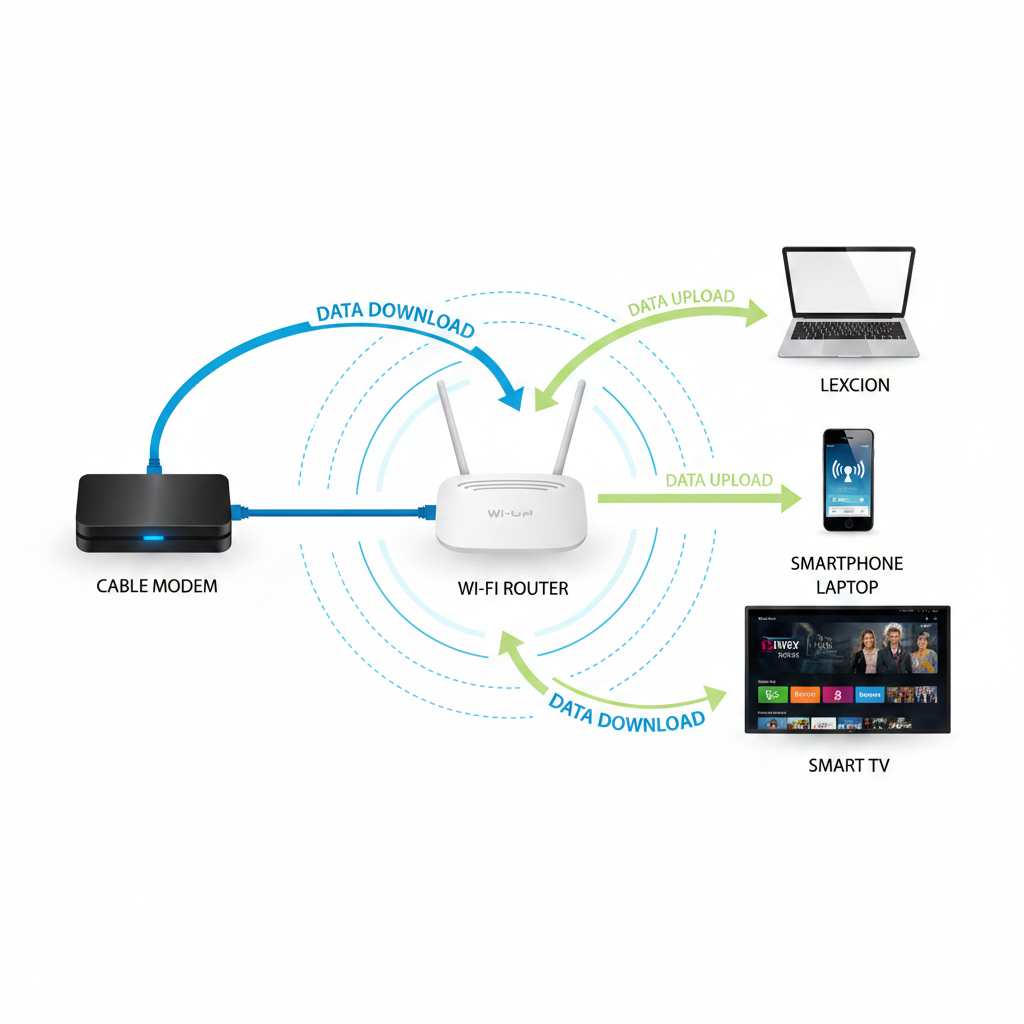
1. Modem Connects to ISP
Your modem connects to your ISP through a cable, fiber, or DSL line. It converts incoming internet signals into digital data.
2. Router Receives the Internet Signal
The Wi-Fi router connects to the modem via an Ethernet cable. It receives the internet data and prepares it for distribution.
3. Wireless Signal Transmission
The router converts data into radio waves and broadcasts it using antennas. These radio waves create your wireless home network.
Devices like smartphones, laptops, gaming consoles, and smart TVs receive the signal using built-in Wi-Fi chips.
How Data Travels Through a Wireless Network
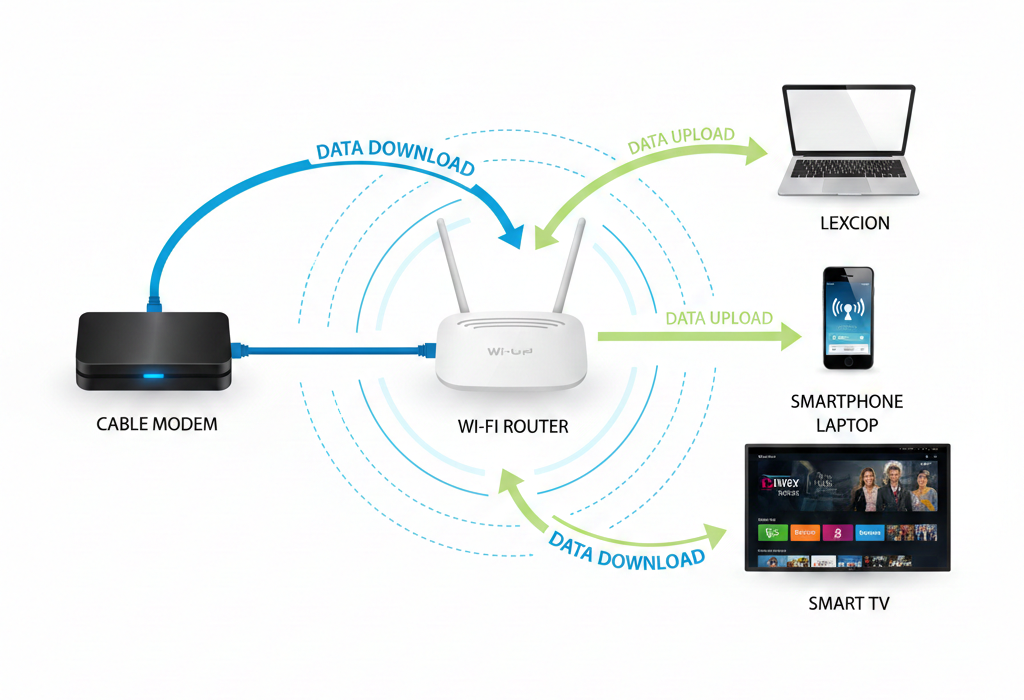
When you search for a website:
- Your device sends a request to the router.
- The router forwards the request to the modem.
- The modem communicates with the ISP.
- The website data returns through the same path.
- The router sends the data wirelessly back to your device.
This entire process happens in milliseconds.
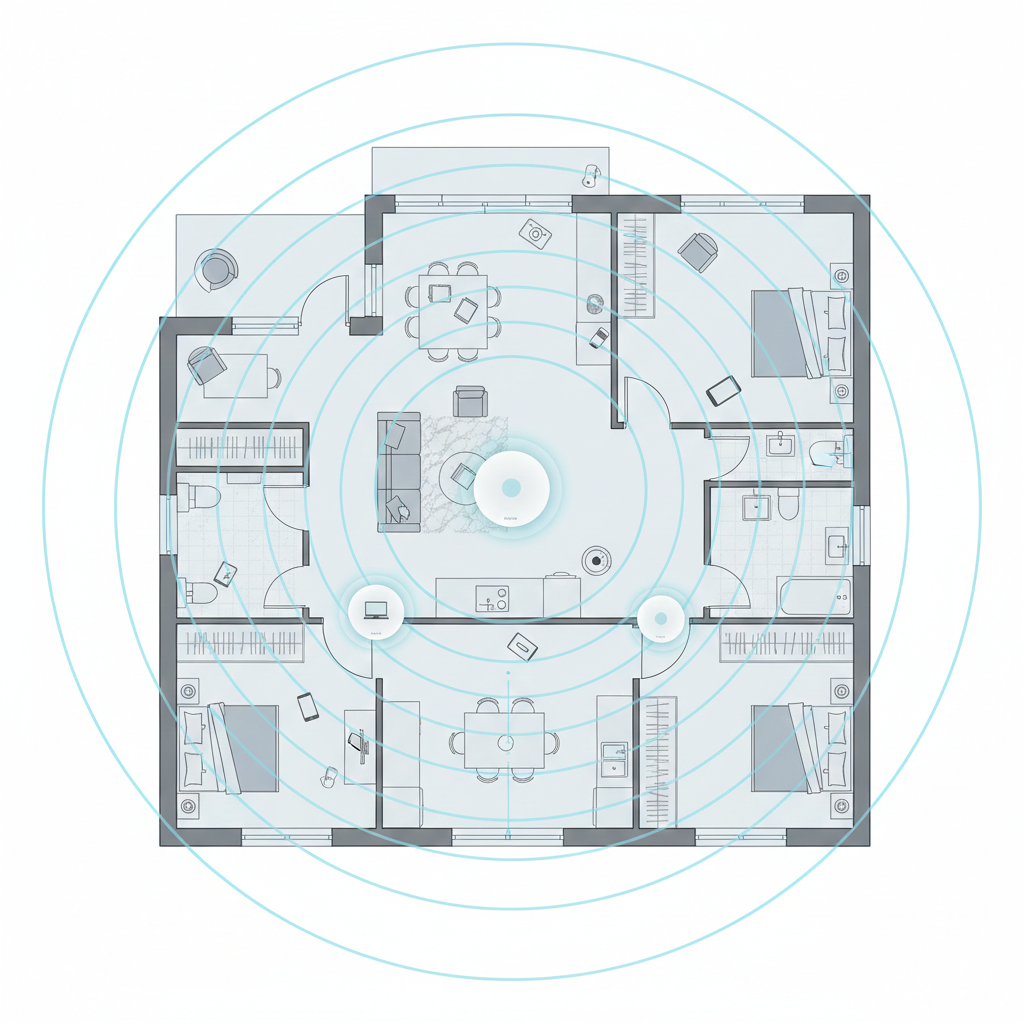
Understanding Wi-Fi Frequencies: 2.4 GHz vs 5 GHz
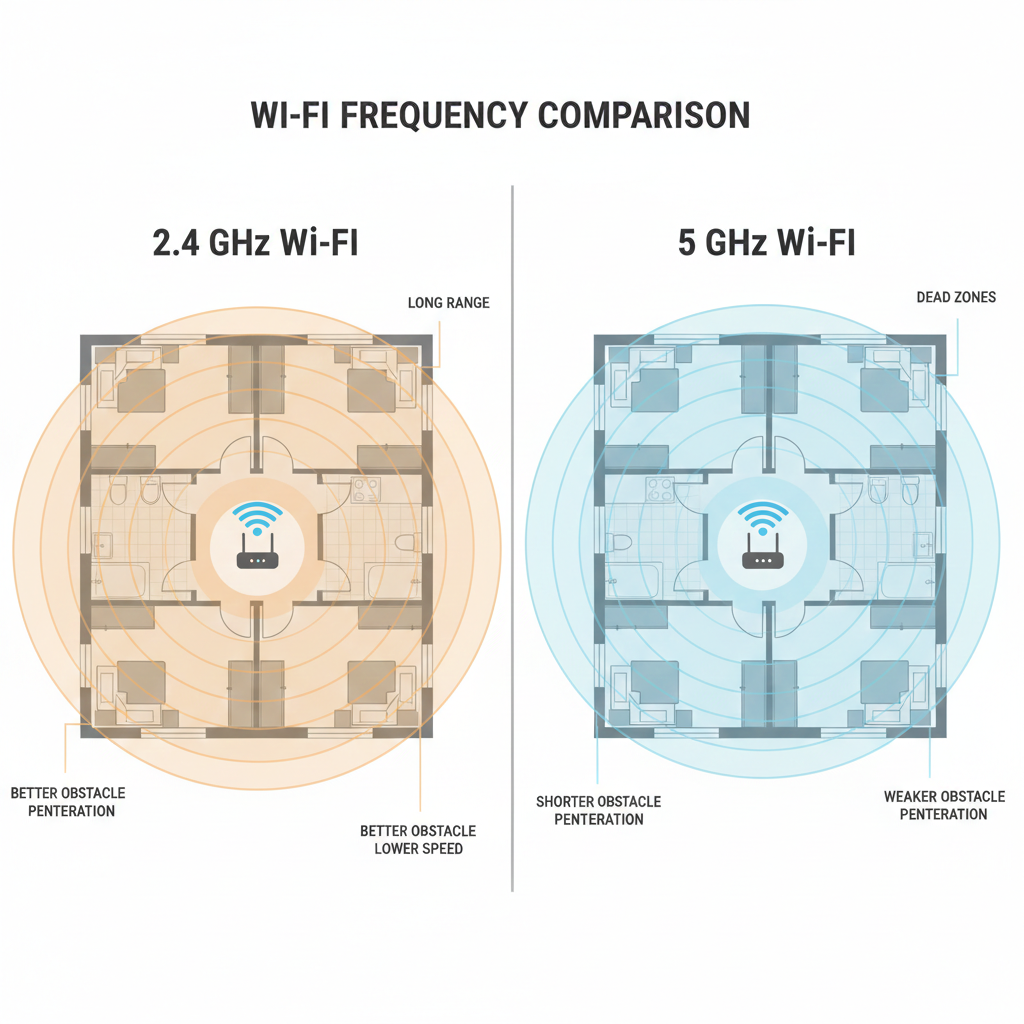
Most modern dual-band routers operate on two frequencies:
2.4 GHz
- Longer range
- Slower speeds
- Better for basic browsing and smart home devices
5 GHz
- Faster speeds
- Shorter range
- Ideal for gaming and HD streaming
Newer routers may also support 6 GHz (Wi-Fi 6E), offering improved bandwidth and reduced congestion.
What Is Bandwidth?
Bandwidth refers to the maximum data transfer rate of your internet connection. Higher bandwidth means:
- Faster downloads
- Smoother streaming
- Better gaming performance
- Less buffering
If multiple devices use the network at once, your router manages traffic to prevent slowdowns.
Router Security: How Wi-Fi Routers Protect Your Network
Modern routers use encryption protocols like WPA3 to protect your home Wi-Fi network from hackers.
Security features include:
- Password protection
- Firewall protection
- Guest networks
- Parental controls
- Firmware updates
The Wi-Fi Alliance certifies Wi-Fi security standards to ensure safe wireless communication.
For best router security, always:
- Change the default password
- Enable WPA3 encryption
- Update firmware regularly
What Is a Mesh Wi-Fi System?
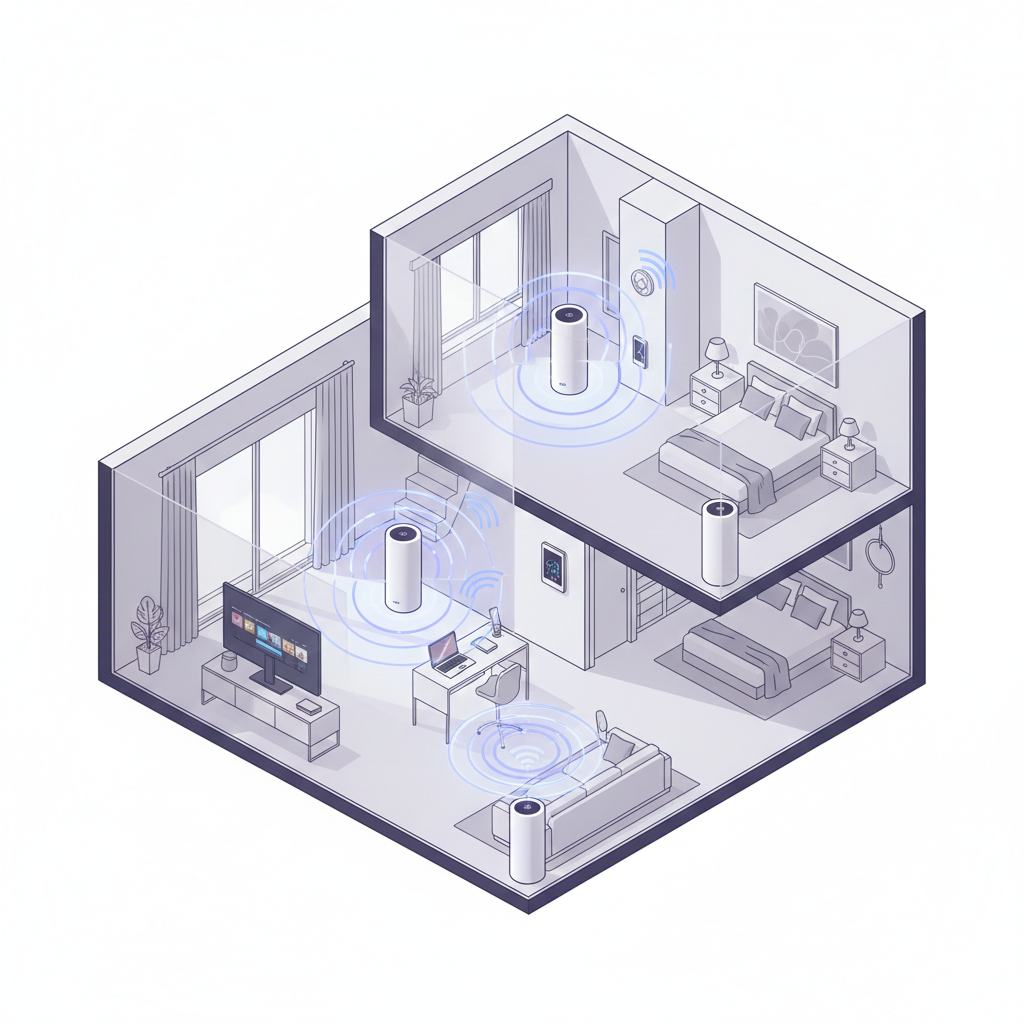
A mesh Wi-Fi system uses multiple devices (nodes) placed around your home to create seamless wireless coverage. Unlike a traditional single router, mesh systems eliminate dead zones and improve signal strength in large houses.
Benefits of mesh Wi-Fi:
- Stronger signal in every room
- Better performance for smart homes
- Seamless roaming between nodes
- Ideal for large households
Key Components Inside a Wi-Fi Router
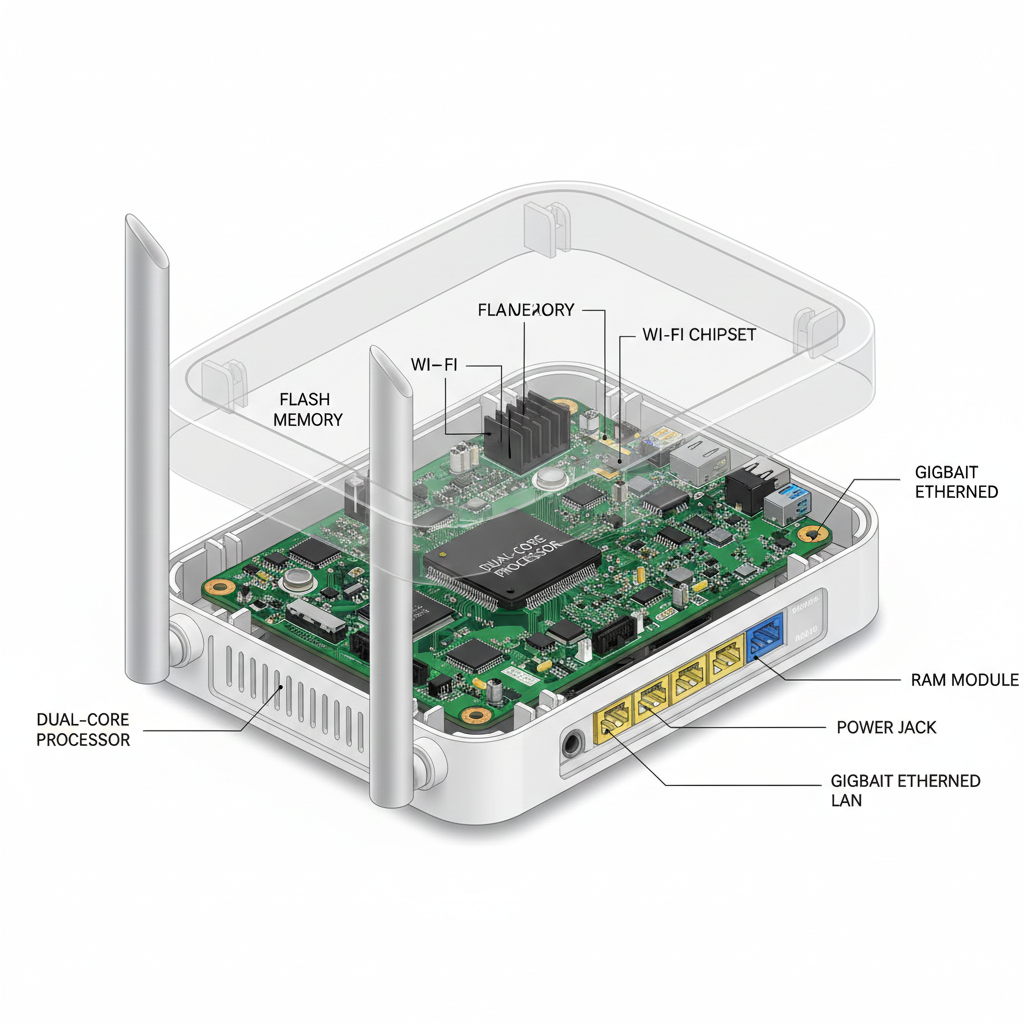
Inside a router, you’ll find:
- CPU (processor)
- RAM memory
- Flash storage (firmware)
- Radio transmitters
- Antennas
- Ethernet ports
These components work together to manage your wireless internet traffic efficiently.
Tips to Improve Wi-Fi Performance
If your wireless internet feels slow, try these tips:
- Place the router in a central location
- Avoid walls and metal obstructions
- Upgrade to a dual-band or Wi-Fi 6 router
- Use a mesh Wi-Fi system
- Limit background downloads
- Restart your router regularly
Final Thoughts
A Wi-Fi router is much more than a blinking box with antennas — it’s the control center of your digital life. By understanding how routers work, including bandwidth management, wireless frequencies, and router security, you can optimize your home network for faster and more reliable performance.
Whether you’re upgrading to a dual-band router or installing a mesh Wi-Fi system, knowing the basics helps you make smarter decisions for your wireless internet setup.