



🧑🎓 Best Laptops for Students in 2026 (Budget to Premium)
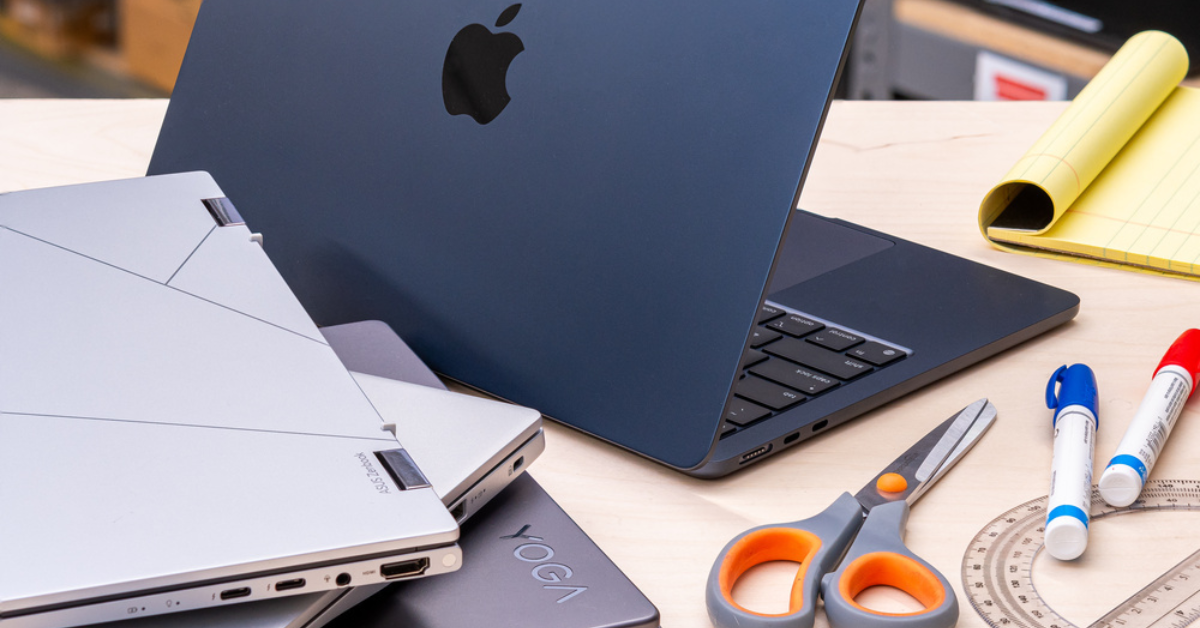
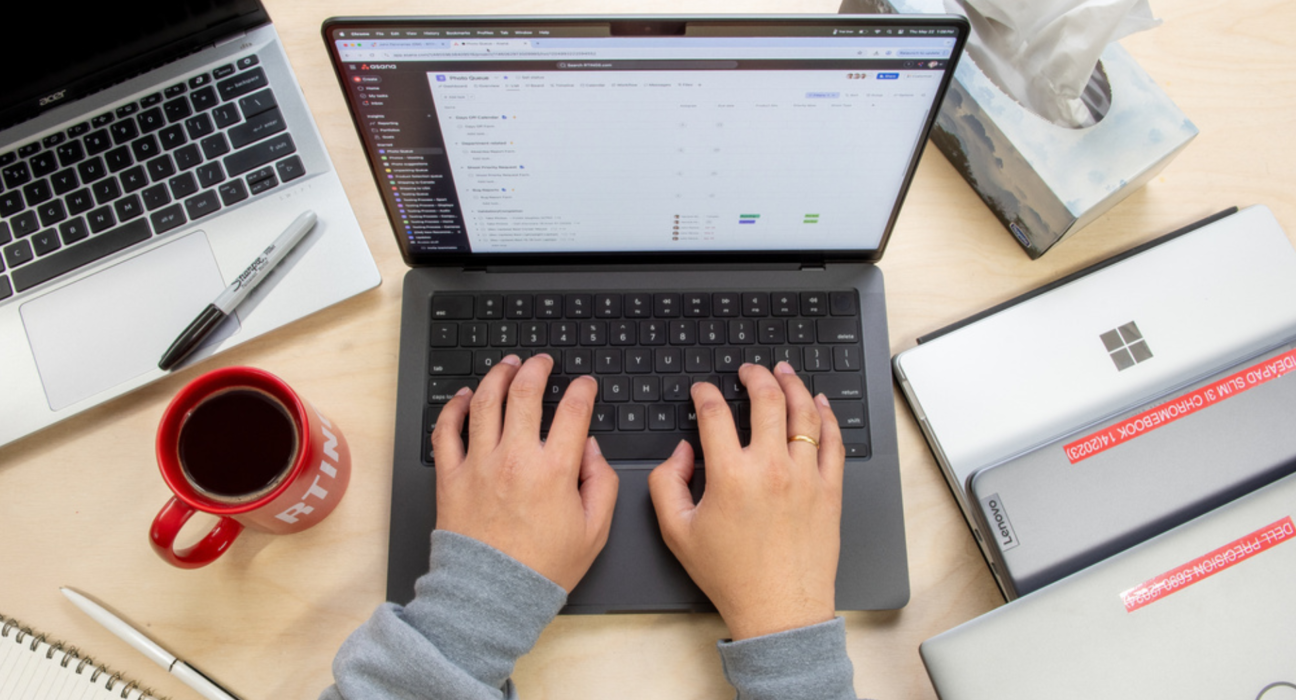
When choosing a laptop for students, key priorities usually include battery life, performance, portability, and value for money. Whether you’re on a tight budget or want something more powerful for STEM majors, design, or coding, here are top choices to consider.
💎 Premium & Power Picks – Best for Performance & Longevity
Apple MacBook Air – Best Overall for Students
- Excellent performance with Apple silicon (great for writing, multimedia, coding).
- Excellent battery life (ideal for long lecture days + study sessions).
- macOS polished experience and strong build quality.
ASUS Zenbook 14 OLED – Premium Windows Ultrabook
- Crisp OLED display and light body great for media and multitasking.
- Solid power for productivity apps and creative software.
Acer Swift 14 Ai – High-Value Thin & Light
- Great balance of performance, portability, and battery life—ideal for students with heavier workloads.
Samsung Galaxy Book5 – Strong All-Round Windows Choice
- Suited for productivity, streaming, and everyday student workflows.
- Stylish design with solid battery life.
⚙️ Mid-Range Picks – Great Balance of Value & Performance
Lenovo IdeaPad Slim 5 14 – Great Choice for Daily Use
- Powerful enough for school projects, spreadsheets, and multitasking.
- Balanced performance for most majors.
💰 Budget & Everyday Use – Best Under ~$700
Acer Aspire Go 14 – Best Budget Laptop for Students
- Affordable and lightweight for daily essentials like note-taking, browsing, Zoom.
- Good all-day battery life for lectures and study sessions.
ASUS Vivobook Go 14 – Solid Entry-Level Daily Notebook
- Compact, portable, and handles everyday tasks with ease.
- Ideal if you’re on a student budget and need reliable basics.
Lenovo IdeaPad Slim 3 – Best Budget Everyday Machine
- Reliable performance for research, streaming, assignments.
- Great value for students needing a no-frills tool.
🧠 How to Choose the Right Laptop for Students
Here’s a quick breakdown of what to consider:
🎯 Budget Range & Student Needs
- Budget (<$600): Perfect for basic studying, online classes, Google Docs/Office work, and streaming.
- Mid-Range ($700–$1,200): Strong for coding, design apps (light), multitasking, and productivity.
- Premium ($1,200+): Best for students in demanding majors (video editing, graphic design, simulation software) and long-term use.
🛠️ Key Features to Look For
- Battery Life: Aim for 8–12+ hours for all-day use without charging.
- Processor & RAM: Intel Core i5/Ryzen 5 or better with 8GB+ RAM is ideal.
- Portability: Lightweight laptops (3 lbs or less) make campus life easier.
- Storage: SSD (256GB+) improves system responsiveness and boot times.
📌 Final Tips for US Students
✔ Student Discounts: Many brands like Apple, Dell, and Microsoft offer education pricing—always check before buying.
✔ Back-to-School Sales: Big savings often happen around August–September and during holiday sales.
✔ Refurbished Deals: Certified refurbished laptops can save money while offering great performance.