



Why Does Gaming Face Latency? Understanding Lag, Ping, and Network Delays
Online gaming requires speed, precision, and real-time responsiveness. But nothing ruins gameplay faster than high latency, lag spikes, or slow ping. If you’ve ever experienced delayed actions, rubberbanding, or sudden freezes during multiplayer matches, you’re dealing with gaming latency issues.
In this guide, we’ll explain why gaming faces latency, what causes it, and how to reduce lag for a smoother online gaming experience.
What Is Latency in Gaming?
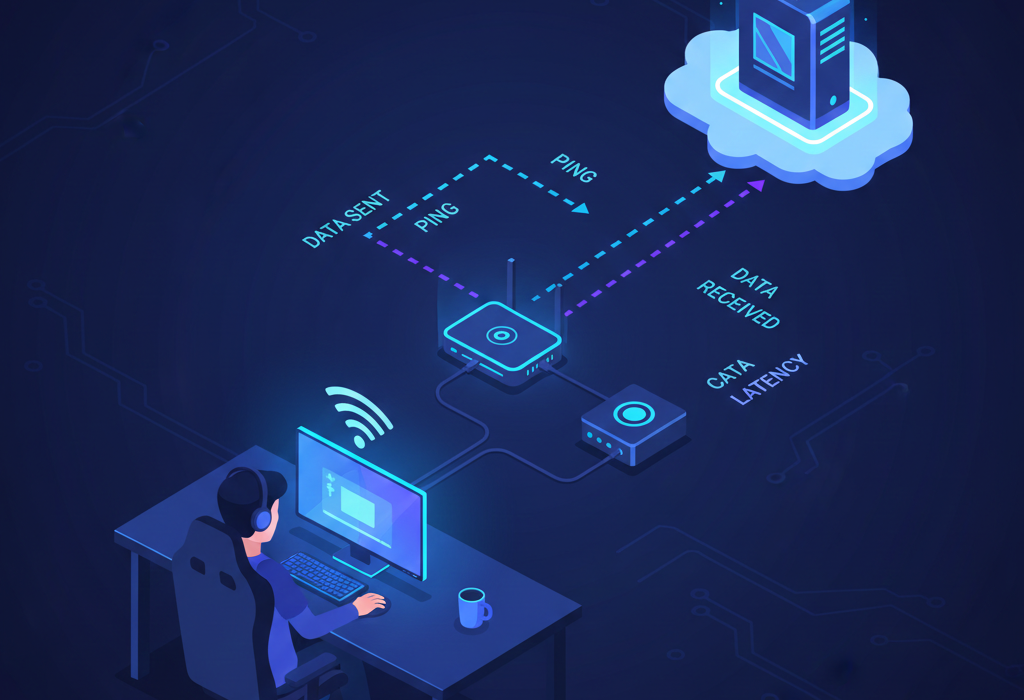
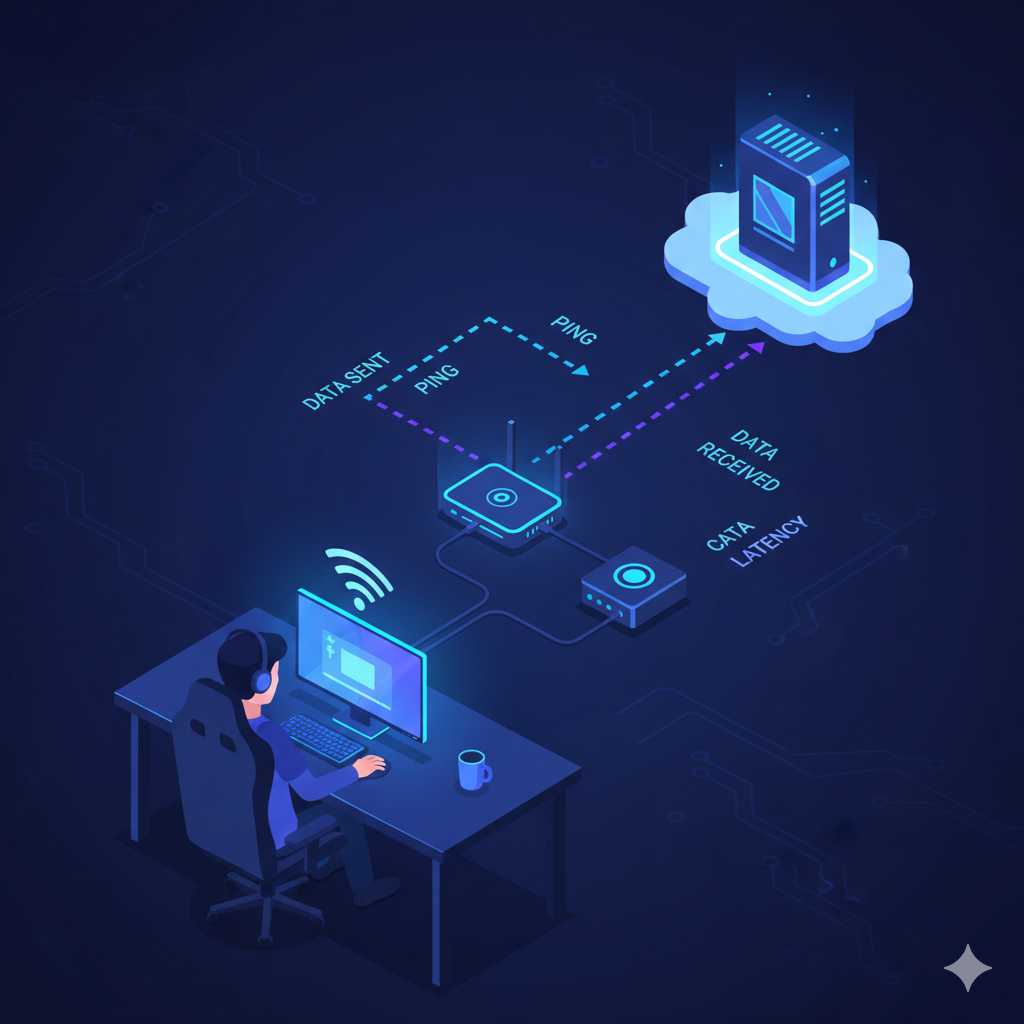
Latency refers to the time it takes for data to travel from your gaming device to the game server and back. It’s measured in milliseconds (ms) and is often called ping.
- 0–20 ms: Excellent latency
- 20–50 ms: Good for competitive gaming
- 50–100 ms: Playable but noticeable delay
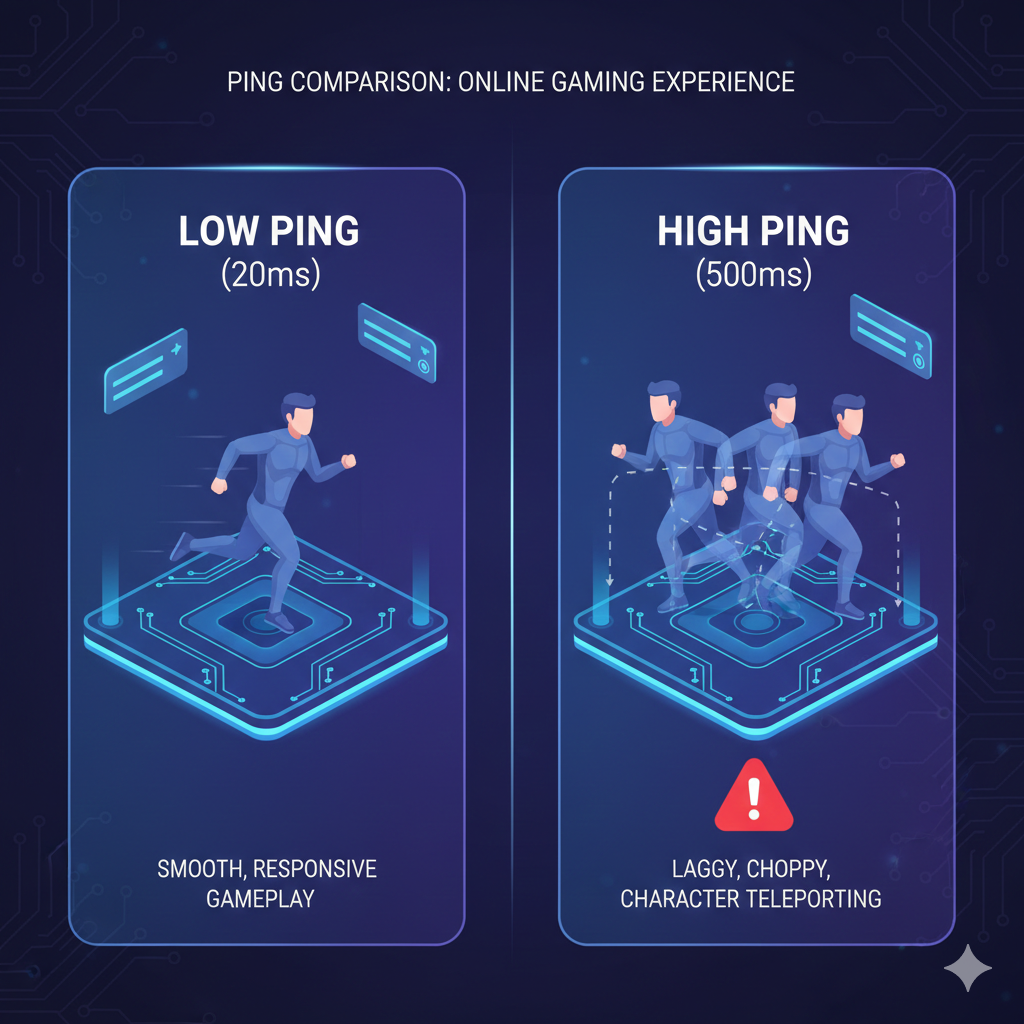
- 100+ ms: Lag becomes obvious
Low latency is critical for online multiplayer games, especially in fast-paced genres like FPS, battle royale, and esports titles.
Why Does Gaming Face Latency?
Several technical factors contribute to high gaming latency.
1. Distance to Game Server
The farther your location is from the game server, the longer it takes data to travel. This increases ping.
For example, if you’re connecting to a server in another country, your network delay will naturally be higher due to physical distance.
2. Internet Connection Speed and Bandwidth
While internet speed affects downloads and streaming, gaming relies more on stable bandwidth and low latency than raw speed.
Problems occur when:
- Multiple devices use the network simultaneously
- Background downloads consume bandwidth
- Your connection speed is too low for online gaming
3. Network Congestion
Network congestion happens when too many users share the same ISP infrastructure at peak hours.
This can cause:
- Lag spikes
- Packet loss
- High ping fluctuations
Even if you have fast internet, congestion can still cause online gaming lag.
4. Wi-Fi vs Wired Connection
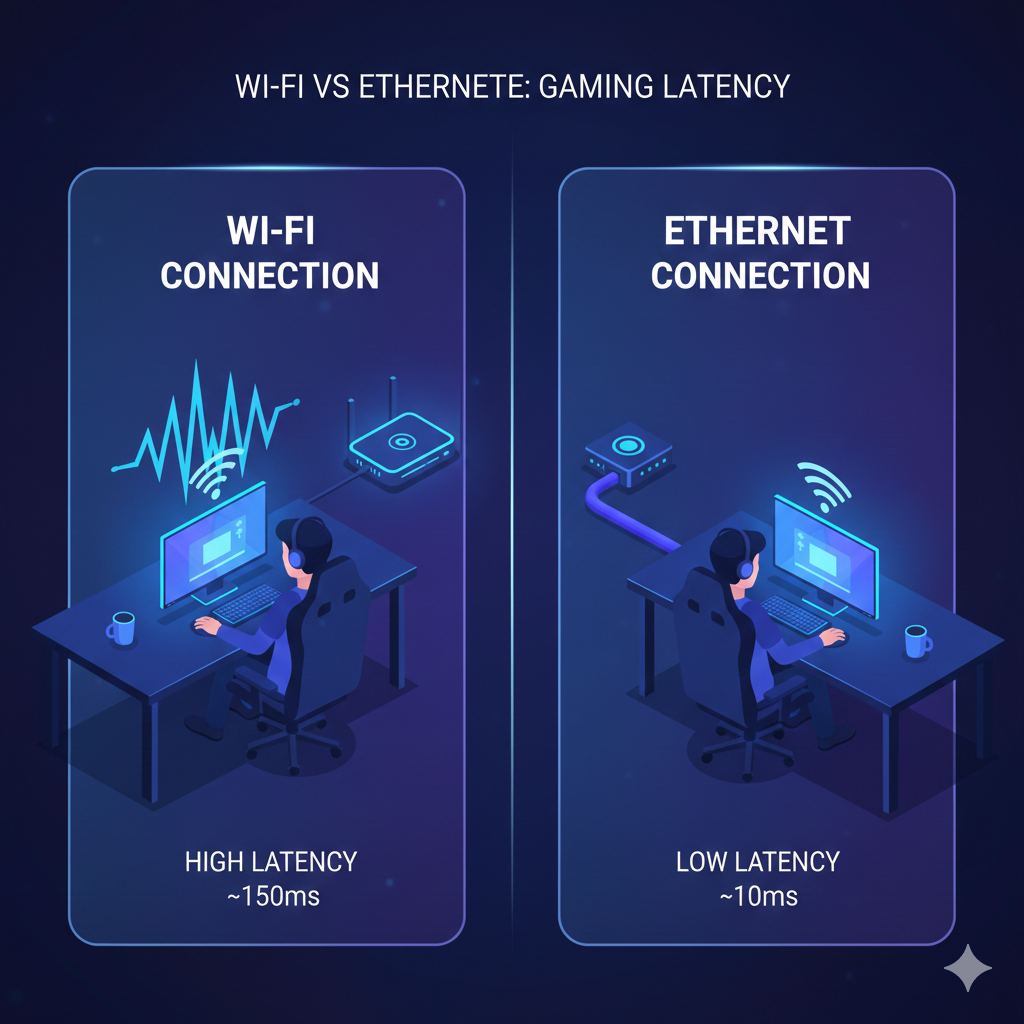
Using Wi-Fi often increases latency compared to a wired Ethernet connection.
Wi-Fi can introduce:
- Signal interference
- Packet retransmission
- Inconsistent ping
For the best low-latency gaming setup, a wired Ethernet connection is recommended.
5. Packet Loss
Packet loss happens when data packets fail to reach the server. When this occurs:
- Characters teleport (rubberbanding)
- Shots don’t register
- Game freezes temporarily
Packet loss is a major cause of gaming lag and is often related to unstable networks.
6. Hardware Limitations
Your gaming hardware also plays a role.
High latency can be caused by:
- Outdated network adapters
- Slow routers
- Overheating consoles or PCs
- Background processes consuming resources
Optimizing your hardware improves overall gaming performance.
7. ISP Routing Issues
Sometimes your Internet Service Provider (ISP) routes traffic inefficiently, increasing the number of hops between you and the game server.
More hops = more delay.

How Game Servers Affect Latency
Game servers process actions from thousands of players simultaneously. If servers are overloaded, you may experience:
- Server lag
- Delayed hit detection
- Sync issues
This is common during new game launches or major updates.
How to Reduce Gaming Latency
Here are proven ways to reduce ping and improve online gaming performance:
✔ Use a Wired Ethernet Connection
Avoid Wi-Fi when possible.
✔ Close Background Applications
Stop downloads and streaming during gameplay.
✔ Restart Your Router
Refreshing your network can clear temporary congestion.
✔ Upgrade Your Internet Plan
Choose a plan optimized for gaming and low latency.
✔ Select the Nearest Game Server
Always choose the server closest to your region.
✔ Enable QoS (Quality of Service)
QoS settings prioritize gaming traffic on your network.
What Is a Good Ping for Gaming?
For competitive online gaming:
- Under 30 ms: Ideal
- Under 50 ms: Very good
- 50–80 ms: Acceptable
- Over 100 ms: Noticeable lag
If you’re playing esports or FPS titles, aim for the lowest possible ping.
Final Thoughts
Gaming faces latency because online multiplayer games rely on real-time communication between your device and remote servers. Factors like network congestion, distance to server, packet loss, Wi-Fi interference, and ISP routing all affect ping and overall gaming performance.
By optimizing your internet connection, upgrading hardware, and reducing network interference, you can significantly reduce lag and enjoy a smoother gaming experience.