



10 AI Tools for YouTube Automation: Skyrocket Your Channel’s Growth

Discover the power of AI tools for YouTube automation. Learn how to optimize your content, streamline your workflow, and achieve explosive channel growth.
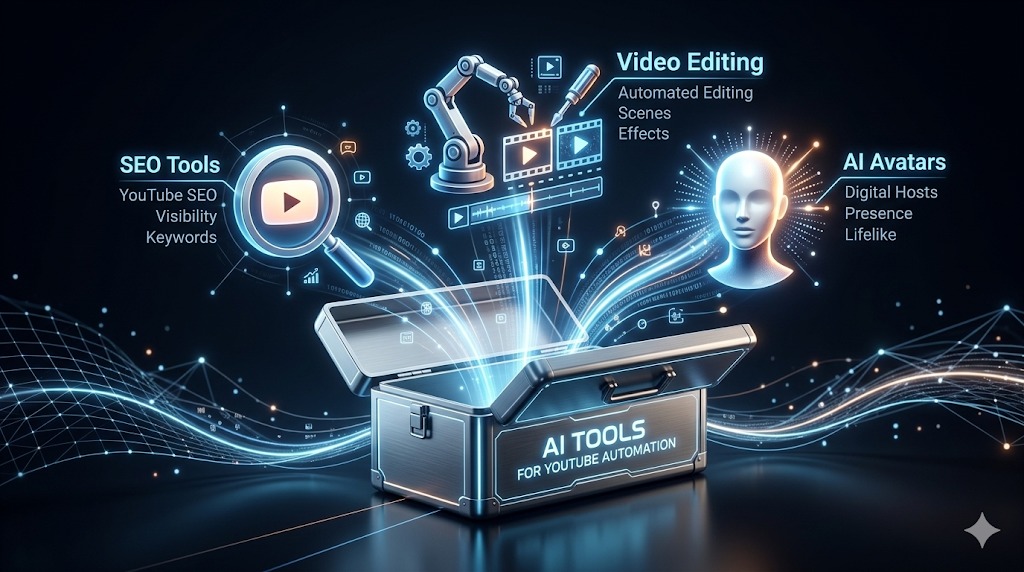
In the intensely competitive world of YouTube, creating high-quality content that captures attention and drives results can be a daunting task. From keyword research and scriptwriting to video editing and thumbnail creation, the process can be time-consuming and demanding. This article will guide you through 10 powerful AI tools specifically designed to automate and optimize your YouTube presence. By leveraging the latest advancements in artificial intelligence, you can unlock a world of possibilities, from generating fresh content ideas and optimizing your titles for maximum search visibility to creating engaging thumbnails that stand out in crowded feeds. Whether you’re a seasoned content creator or just starting out, this guide will empower you to harness the power of AI to transform your YouTube channel into a thriving success.
Why Automate Your YouTube Channel with AI?
Automating your YouTube channel with AI offers a multitude of benefits, allowing you to focus your time and energy on creating exceptional content and engaging with your audience:
- Streamlined Workflow: Automating repetitive and time-consuming tasks like keyword research, scriptwriting, and scheduling allows you to create more content in less time.
- Optimized Performance: AI can analyze vast datasets to identify trending topics, optimize your titles and descriptions for search, and suggest engaging thumbnail designs.
- Enhanced Productivity: AI-powered tools can significantly boost your overall productivity, enabling you to manage multiple channels or projects more efficiently.
- Data-Driven Decisions: By analyzing key metrics and insights provided by AI, you can make informed decisions about your content strategy and optimize your results.
- Consistent Content Delivery: Automating scheduling and publishing ensures a consistent stream of content, which is crucial for building a loyal audience.
Understanding AI Tools for YouTube Automation
AI tools for YouTube automation are software applications that leverage artificial intelligence to automate various aspects of content creation, optimization, and distribution on YouTube. These tools utilize algorithms and machine learning to analyze data, generate content, and provide actionable insights.
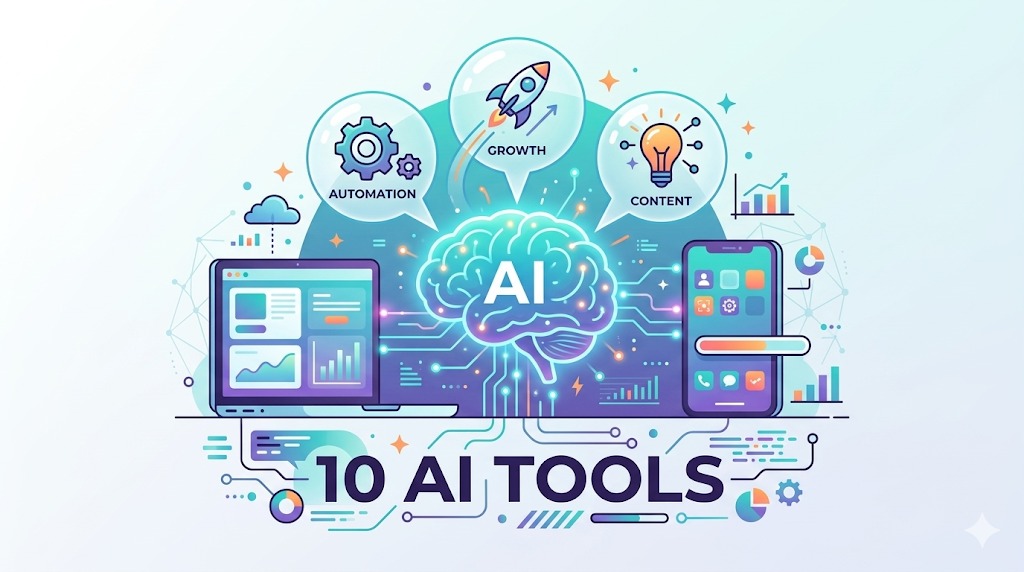
10 AI Tools for YouTube Automation
TubeBuddy
Overview: TubeBuddy is a powerful YouTube optimization and management tool that offers a wide range of features to help creators improve their search rankings, increase views, and grow their channels. It provides comprehensive keyword research, competitor analysis, and optimization tools to enhance your visibility on YouTube.
Key Features:
- Keyword Explorer: Analyzes keywords to determine their search volume, competition, and potential.
- Tag Explorer: Recommends relevant tags for your videos based on search trends and competitor analysis.
- A/B Testing: Allows you to test different titles, descriptions, and thumbnails to optimize performance.
- Bulk Processing: Automates tasks like updating tags, descriptions, and thumbnails across multiple videos.
Pros:
- User-friendly interface.
- Comprehensive set of optimization tools.
- Accurate keyword research data.
Cons:
- Some features are only available in paid plans.
- Can be overwhelming for beginners.
Pricing: TubeBuddy offers a free plan with limited features, as well as several paid plans with more advanced tools.
VidIQ
Overview: VidIQ is another prominent YouTube optimization and management tool that focuses on providing detailed insights and analytics to help creators grow their channels. It offers robust features for keyword research, competitor analysis, and audience understanding.
Key Features:
- Keyword Tool: Analyzes keywords for search volume, competition, and relevance.
- Competitor Analysis: Provides insights into competitor channels, including their performance and content strategies.
- Trend Alerts: Notifies you of trending topics and keywords relevant to your niche.
- Scorecard: Rates your videos based on optimization best practices and provides actionable recommendations.
Pros:
- Detailed analytics and insights.
- Comprehensive keyword research tools.
- Strong competitor analysis features.
Cons:
- Some features are only available in paid plans.
- The user interface can be complex for some users.
Pricing: VidIQ offers a free plan with limited features, as well as several paid plans with more advanced tools.
Canva
Overview: Canva is a popular graphic design platform that provides a user-friendly and intuitive interface for creating visually appealing graphics, including YouTube thumbnails, channel art, and video end screens. It offers a wide range of templates, stock images, and design elements.
Key Features:
- Thumbnail Templates: Provides pre-designed templates tailored for YouTube thumbnails.
- Stock Images and Videos: Offers a vast library of high-quality assets to use in your designs.
- Drag-and-Drop Editor: Allows for easy customization and editing of designs.
- AI-Powered Features: Includes AI-powered features like Magic Media, which generates custom images from text prompts, and Magic Switch, which automatically resizes designs for different platforms.
Pros:
- Extremely easy to use.
- Wide range of templates and design elements.
- AI-powered features enhance creativity.
Cons:
- Free plan has limitations on assets and features.
- Professional designers may find the features limited compared to dedicated software.
Pricing: Canva offers a free plan with limited features, as well as a paid Canva Pro plan with more advanced tools and assets.
InVideo
Overview: InVideo is an online video editor that focuses on providing a fast and easy way to create professional-quality videos, including YouTube videos. It offers a wide range of templates, stock footage, and editing tools, as well as AI-powered features for video generation and optimization.
Key Features:
- Video Templates: Provides a large library of pre-made templates for various types of videos.
- AI Video Generator: Converts text into engaging videos with stock footage, voiceovers, and music.
- Stock Footage Library: Offers access to a vast collection of stock videos and images.
- Editing Tools: Includes a range of editing tools for customizing and enhancing videos.
Pros:
- User-friendly interface.
- AI video generator simplifies video creation.
- Wide range of templates and stock assets.
Cons:
- Free plan has limitations on exports and watermarks.
- Some advanced editing features may be missing compared to professional software.
Pricing: InVideo offers a free plan with limited features, as well as paid plans with more advanced tools and assets.
Jasper AI
Overview: Jasper AI is an advanced AI writing assistant that can generate high-quality text for various purposes, including YouTube video scripts, descriptions, and blog posts. It offers a wide range of templates and features to help writers create engaging and compelling content.
Key Features:
- Long-Form Content Generation: Creates detailed and informative articles and blog posts.
- Template Library: Offers templates for specific types of content, such as product descriptions, emails, and ads.
- Tone and Style Customization: Allows you to adjust the writing style to match your brand’s voice.
- SEO Optimization: Suggests keywords and optimizations for improved search visibility.
Pros:
- High-quality text generation.
- Wide range of templates and features.
- Tone and style customization.
Cons:
- Subscription-based pricing can be expensive.
- Requires careful editing and refinement for best results.
Pricing: Jasper AI offers several paid plans based on usage and features.
Synthesia
Overview: Synthesia is a unique AI video generation platform that creates videos with lifelike AI avatars. It allows you to transform text scripts into engaging videos without the need for cameras, actors, or a physical studio.
Key Features:
- AI Avatar Library: Offers a diverse range of lifelike AI avatars to choose from.
- Text-to-Video Generation: Converts text into high-quality videos with natural-sounding voiceovers.
- Language and Accent Options: Supports multiple languages and accents for AI voiceovers.
- Background Customization: Allows you to upload custom backgrounds or choose from a pre-made library.
Pros:
- Scalable video creation without the need for production resources.
- Multilingual video generation.
- Lifelike AI avatars.
Cons:
- Pricing can be high for high-volume video generation.
- The current range of avatars may be limited for some users.
Pricing: Synthesia offers several paid plans based on usage and features.
Pictory
Overview: Pictory is an AI video generation platform that simplifies the process of creating videos from text scripts, blog posts, and articles. It uses AI to automatically extract key insights from text and create engaging videos with stock footage, voiceovers, and music.
Key Features:
- Blog Post-to-Video Generation: Converts blog posts into high-quality videos in minutes.
- Script-to-Video Generation: Creates videos from text scripts with automated scene generation.
- AI Voiceover Generator: Offers a range of realistic AI voiceovers to choose from.
- Stock Footage and Music Library: Provides access to a vast collection of assets.
Pros:
- Easy to create videos from existing text content.
- Saves time and effort in video production.
- Automated scene and voiceover generation.
Cons:
- Free plan has limitations on exports and watermarks.
- The automated scene generation may not always produce the desired results.
Pricing: Pictory offers a free plan with limited features, as well as several paid plans with more advanced tools.
DeepBrain
Overview: DeepBrain is an AI video generation platform that specializes in creating photorealistic AI avatars. It offers advanced technology for creating lifelike and expressive AI characters that can be used in various applications, including YouTube videos.
Key Features:
- Photorealistic AI Avatars: Creates highly realistic and detailed AI characters.
- Facial and Vocal Expression Simulation: Simulates facial and vocal expressions for natural-looking interactions.
- Multilingual Voiceover Generation: Supports a wide range of languages and accents.
- Advanced Avatar Customization: Allows for precise customization of avatar appearance and characteristics.
Pros:
- State-of-the-art AI avatar realism.
- Expressive and engaging interactions.
- Multilingual support.
Cons:
- Pricing can be high for access to advanced features and customization options.
- Requires significant technical expertise to fully leverage its capabilities.
Pricing: DeepBrain offers custom pricing based on specific requirements and features.
CapCut AI Overview: CapCut is a popular mobile video editing app that has gained immense popularity among content creators, including YouTubers. It offers a wide range of intuitive editing tools, including several AI-powered features for video enhancement, effect application, and content optimization.
Key Features:
- AI-Powered Video Effects: Includes features like background removal, stabilization, and color correction.
- AI Script Generator: Brainstorms and creates scripts for different video types based on user prompts.
- Text-to-Speech: Generates natural-sounding voiceovers from text scripts.
- AI Thumbnail Generator: Helps in creating engaging and catchy thumbnails by suggesting designs and optimizations.
Pros:
- Mobile-friendly and easy to use.
- Comprehensive set of basic and advanced editing tools.
- AI-powered features simplify and enhance video creation.
Cons:
- The availability of some advanced features may vary.
- The desktop version may have fewer features compared to the mobile app.
Pricing: CapCut is generally free to use with limited features, with additional tools and assets available through paid subscriptions.
Murf AI Overview: Murf AI is a versatile AI voiceover generator that provides a wide range of high-quality and realistic AI voices for various applications, including YouTube videos. It allows you to create natural-sounding voiceovers in minutes without the need for expensive recording equipment.
Key Features:
- Large Voice Library: Offers a diverse selection of voices with different styles and accents.
- Voice Cloning: Allows you to clone your own voice or create custom voices.
- Voice Customization: Provides tools for adjusting pitch, speed, and volume.
- Language Support: Supports multiple languages and accents.
Pros:
- High-quality AI voiceover generation.
- Large and diverse voice library.
- Voice cloning and customization options.
Cons:
- Pricing can be high for high-volume usage.
- Voice cloning may require specific data sets for best results.
Pricing: Murf AI offers several paid plans based on usage and features.
Choosing the Right AI Tools for Your YouTube Automation Journey
When selecting AI tools for your YouTube automation journey, consider the following factors:
- Specific Needs: Identify the specific tasks you want to automate, such as keyword research, scriptwriting, video editing, or thumbnail creation.
- Budget: Determine your budget and compare the pricing plans of different AI tools.
- Technical Expertise: Choose tools that match your level of technical expertise, as some may require advanced knowledge to use effectively.
- Integration Capabilities: Look for tools that integrate seamlessly with other software and platforms you use.
- Scalability: Consider the scalability of the AI tools, as your needs may grow as your channel expands.
FAQ Section
- Are AI tools for YouTube automation legitimate? Yes, AI tools for YouTube automation are legitimate software applications that are used by many successful creators to streamline their workflows and optimize their results.
- What are the limitations of using AI for YouTube automation? While AI can be powerful, it has limitations. AI may generate content that is inaccurate or low-quality, and it’s essential to critically evaluate and refine any AI-generated outputs.
- Is it necessary to use multiple AI tools for YouTube automation? The number of AI tools you need depends on your specific goals and preferences. You can start with a few key tools and add more as your channel grows and your needs change.
Conclusion
AI tools have revolutionized the way we approach YouTube content creation and automation. By harnessing the power of artificial intelligence, creators can unlock unprecedented efficiency, optimize their content for explosive growth, and focus their time and energy on what they do best: creating exceptional videos and engaging with their audience. This comprehensive guide has provided you with a valuable set of 10 AI tools to embark on your YouTube automation journey. Embrace the power of innovation, experiment with different tools, and watch your YouTube channel thrive in the dynamic and competitive world of online video.